Salesforce Announces Heavy Makeover for Slack with AI Boost
Slack just got a major upgrade. Salesforce has announced a heavy makeover for Slack, bringing AI to the frontlines with 30 new features designed to make work faster, smarter, and more connected. If you rely on Slack daily, this update is about to change how you collaborate.
Key Takeaways
- Salesforce’s AI-powered makeover adds 30 new features to Slack.
- Features focus on automation, smarter messaging, and better integration.
- AI helps summarize conversations, automate responses, and manage workflows.
- The update aims to cut down on wasted time and streamline teamwork.
- Everyday users and businesses alike will find new ways to boost productivity.
—
Why Salesforce’s Heavy Makeover for Slack Matters
Salesforce is known for its CRM and business software, but its recent announcement signals a big pivot: making Slack an AI powerhouse. The combination of Slack’s chat-based collaboration with AI-driven automation and insights means companies can finally move beyond just messaging. This isn’t just a tweak; it’s a heavy makeover designed to rethink how teams communicate and get work done.
At the core of this update, Salesforce introduces AI features that summarize long chats, automate routine tasks, and help you find the right info quickly. No more digging through endless messages or spending hours managing follow-ups.
What’s New in Slack’s AI Features?
Here are a few highlights from Salesforce’s 30 new features for Slack:
AI Summaries and Highlights
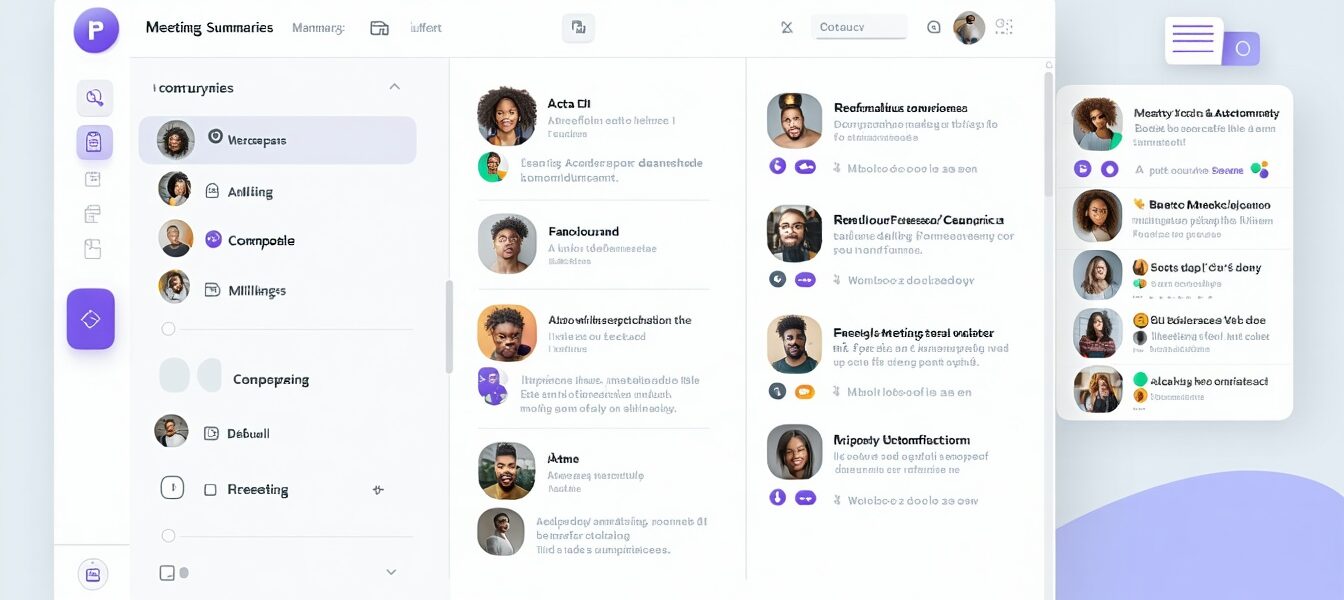
Long threads can get overwhelming, especially when you join late or need a quick update. Now, AI can generate summaries of conversations, so you catch up in seconds. Think of it like meeting minutes, but generated automatically and instantly.
Smarter Messaging Templates
Salesforce has added AI-powered templates that help craft clear, effective messages fast. Whether it’s scheduling a meeting or requesting feedback, these smart templates cut through the “what do I say?” problem.
Workflow Automation with AI
Tasks like routing requests, prioritizing messages, or sending reminders can now be partly or fully automated. This means less manual work and fewer things falling through the cracks.
Enhanced Search and Knowledge Discovery
AI improves Slack’s search function, helping you find the right document, message, or contact even when you’re vague or forget specific keywords. This is a huge jump for productivity.
—
A Real-World Example: How One Startup Cut Response Times by Half
Imagine a small marketing agency juggling multiple client projects and dozens of Slack channels. Communications can get messy when everyone’s chasing approvals, sharing assets, and tracking deadlines.
Using Salesforce’s AI makeover features, the agency implemented AI summaries to keep everyone on the same page quickly. Automated workflow rules routed incoming requests to the right team members without human intervention. Within weeks, response times in Slack dropped by 50%, and project delays were rare.
Thanks to the heavy makeover, the agency team spent more time creating and less time chasing, proving these upgrades can have a real, practical impact.
What This Means For You
If you use Slack regularly, these changes could simplify your daily routine:
- You’ll spend less time scrolling and more time focusing, thanks to AI summaries.
- Routine tasks—like scheduling or routing—can get done automatically.
- Your team collaboration could get smoother with better search and message templates.
- If you’re a manager, you might get better visibility into team workflows and communication bottlenecks.
This AI-heavy makeover could be especially useful for remote teams or businesses aiming to cut down on noise and distractions.
How To Get Ready
To make the most of these new features, start exploring Slack’s AI tools as they roll out:
- Experiment with the AI summaries in busy channels.
- Look for workflow automations that fit your daily routine.
- Use smarter messaging templates to speed up communications.
- Encourage teammates to explore improved search capabilities.
These steps can help you unlock the value of Salesforce’s AI makeover without getting overwhelmed.
Final Thoughts
Salesforce’s bold move to integrate AI deeply into Slack shows where work communication is headed: faster, smarter, and more automated. Whether you’re a freelancer or a large enterprise, the new Slack features have the potential to save you time and headaches.
What do you think about AI changing how we chat and collaborate? Will these new Slack features make your work life easier? Drop a comment below to share your thoughts!
—
You might also enjoy:
—
_Image: An illustration of a computer screen displaying Slack’s new AI summarization feature, showing a condensed overview of a long chat conversation — alt text: AI-heavy makeover for Slack by Salesforce showcasing chat summarization feature._
External source:
For more detailed information, check out the original TechCrunch article.