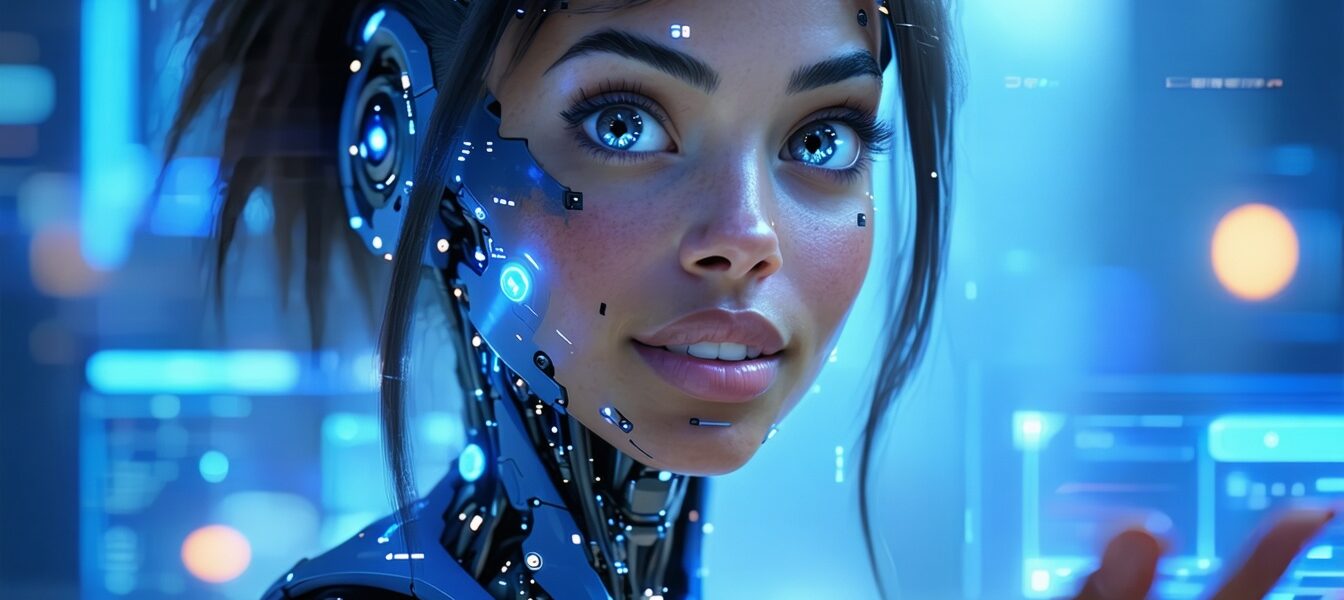
Google Lets You Direct Avatars Through Prompts in Vids: What You Should Know
If you’ve ever wished you could be the director of your own digital actor, Google’s new update to its Vids app is about to make that easier. Now, Google lets you direct avatars through prompts, so you can customize and instruct virtual characters to create videos without needing Hollywood skills.
Key Takeaways
- Google’s Vids app now understands natural language prompts to direct avatars.
- The update makes video creation more accessible for everyday users.
- Custom avatars can be instructed on movements, expressions, and more.
- This tech could change how creators, educators, and marketers produce videos.
- It reflects a growing trend of AI-powered personalization tools.
—
What Does It Mean That Google Lets You Direct Avatars Through Prompts?
Simply put, you don’t have to manually animate or choreograph your avatar anymore. You just type or speak what you want the avatar to do—like “wave hello,” “look surprised,” or “walk across the screen”—and Vids’ AI interprets your instructions. This natural language understanding lets anyone tell their digital actors how to act without technical know-how.
The Vids app uses advanced AI models to translate simple prompts into actions and emotions for virtual characters. These avatars can mimic human-like gestures and expressions while narrating or presenting video content.
The Magic Behind Avatar Direction with Prompts
The genius here is combining AI-driven language comprehension with animation tech. When Google lets you direct avatars through prompts, the system:
- Analyzes your language input to understand what you want.
- Maps it to relevant avatar actions or facial expressions.
- Seamlessly animates the avatar to match those instructions.
This means you’re basically holding the director’s megaphone but using words instead of a complex interface.
A Real-Life Example: Empowering Teachers in Remote Learning
Imagine a middle school teacher prepping a science lesson for virtual classes. Instead of filming themselves or hunting down stock videos, they use Google’s Vids app to create a customized avatar. With simple prompts like “smile and introduce the solar system” or “point to planets,” the avatar explains the topic engagingly.
This approach saves time, reduces the pressure of being on camera, and adds a fun, personalized touch for students. It’s a practical example showing how letting users direct avatars through prompts can transform everyday tasks.
How This Could Change Content Creation for Everyone
Whether you’re a small business owner, content creator, or educator, this feature levels the playing field. You no longer need expensive equipment or animation skills to make engaging videos. Google lets you direct avatars through prompts, opening doors to faster, more creative storytelling.
It also hints at future possibilities: AI avatars tailored to your voice, style, and personality could become your digital spokespeople, working 24/7 in social media, ads, or online courses.
What This Means For You
If you’re curious about AI and video but feel overwhelmed by tech, this update is a welcome sign. It’s designed to be simple and intuitive. You can experiment with avatar creation as easily as sending a text message.
Plus, as AI tools like these improve, they’ll help us spend less time on tedious video production and more time focusing on our message. Whether you want to create quick social clips, teach remotely, or just have fun with digital characters, Google’s new direction for Vids is worth exploring.
Your Turn: How Would You Direct Your Avatar?
What would you want your digital avatar to say or do? Would you use it for fun, work, or something else? Share your ideas and let’s discuss how AI-driven avatar direction could fit into your life!
—
You might also enjoy: More on PromptTalk
—
For more on AI video tools, check out this detailed explanation from OpenAI.
—