Astropad Workbench: Reimagining Remote Desktop for AI Agents
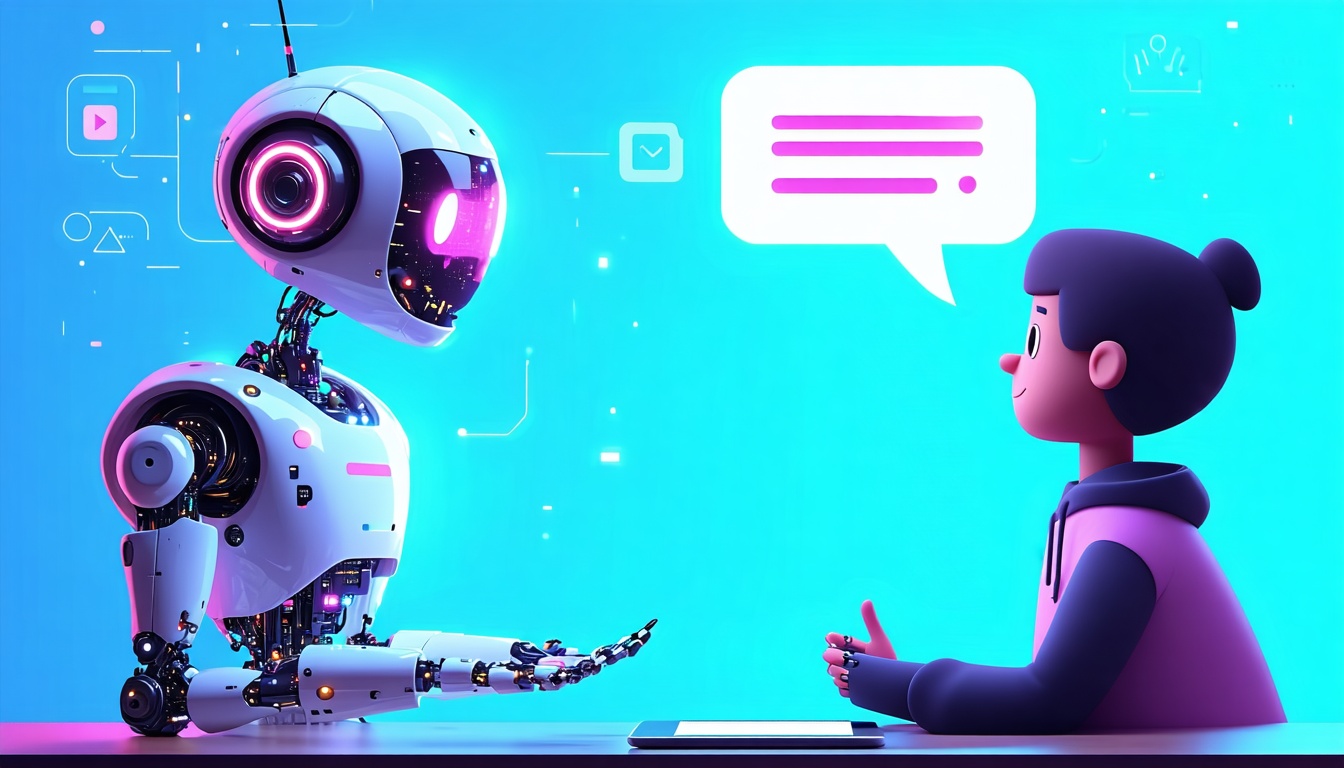
Remote desktop tools have long been the go-to for IT support — letting technicians access your computer from afar when something goes wrong. But what if we flipped that idea on its head? Enter Astropad Workbench, a fresh take on the concept designed not for humans troubleshooting issues, but for managing AI agents remotely.
In this article, we’ll dive into how Astropad Workbench reimagines remote desktop, what it means for AI workflows, and why this could be a game changer for everyday users and developers alike.
—
Key Takeaways
- Astropad Workbench enables remote monitoring and control of AI agents running on Mac Minis via iPhones and iPads.
- It offers low-latency, high-quality streaming tailored for AI workflows, not IT troubleshooting.
- The tool reflects a shift towards making AI agent management more mobile and accessible.
- Real-world benefits include smoother AI experiment monitoring and faster iteration.
- This approach could pave the way for more intuitive, agent-centric remote desktop tools.
—
What Is Astropad Workbench?
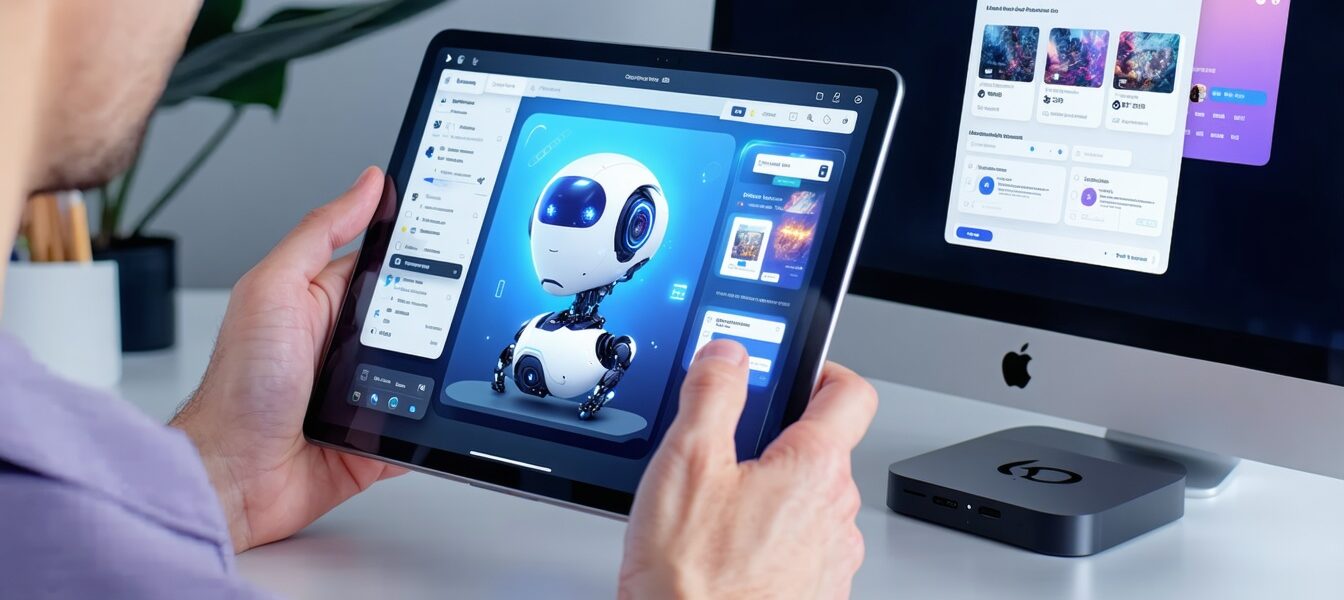
Astropad, known for its clever iPad-to-Mac mirroring apps, stepped into new territory with Workbench. Unlike traditional remote desktop software focused on user-to-user support, Workbench is designed specifically for remote control and monitoring of AI agents. It lets users tap into Mac Minis running AI workloads right from their iPhones or iPads.
The key here is the smooth, low-latency streaming that keeps remote interactions feeling immediate. This is crucial when you’re trying to observe or tweak an AI agent running complex computations in real time.
The difference is subtle but important: IT remote desktops are about fixing issues on a user’s actual desktop. Astropad Workbench lets you interact with an autonomous AI system as if you were right next to it.
How Astropad Workbench Reimagines Remote Desktop
Traditionally, remote desktop software is like a window into your own computer, primarily used for troubleshooting or accessing files remotely. Astropad Workbench, on the other hand, transforms this idea by centering the AI agent itself as the “desktop” you’re interacting with.
This reimagining means:
- Space-efficient control focused on AI performance metrics and interfaces.
- Optimized streaming to handle the kind of dynamic data AI agents produce.
- Mobile-centric design, enabling AI developers or hobbyists to stay connected and agile without being tied to their desks.
The result is a tool that feels more like a command center for your AI projects than a typical IT remote desktop.
A Simple Example: Remote Monitoring of AI Image Generation
Imagine working on an AI-powered art generation bot running on a Mac Mini at home. Normally, you’d be stuck waiting at your desk to check on progress or fine-tune parameters. With Workbench, you can hop on your iPhone or iPad during your commute or lunch break, watch realtime outputs, adjust settings, and send new commands — all without a laggy or clunky experience.
This means faster iteration cycles and more creative freedom. You’re not bound by location or device anymore.
Real-World Story: A Freelance Developer’s Experience
Take Jenny, a freelance AI developer based in Austin. She runs several AI experiments on a Mac Mini server at her studio. Before, Jenny had to remote desktop into her Mac through traditional tools that caused frustrating delays and limited control from her phone.
Since she started using Astropad Workbench, Jenny can monitor multiple AI agents simultaneously during her coffee breaks or while attending meetings — no more waiting to get home just to check on her projects. The low-latency streaming means she catches glitches early and tweaks algorithms on the fly, improving her productivity dramatically.
Her workflow exemplifies how reimagining remote desktop for AI agents opens doors for better management and user experience.
What This Means For You
If you’re involved in AI research, development, or just curious about managing AI tools remotely, Astropad Workbench is a sign of where things could be heading.
- For developers: It means less downtime and a more flexible way to interact with AI workloads.
- For everyday AI users: It could eventually translate to smarter smart-home devices or personal assistants you can fine-tune remotely.
- For businesses: Managing fleets of AI agents across locations could become simpler and more efficient.
The broader lesson? Remote desktop technology isn’t just for IT help anymore; it’s evolving to meet the complex needs of AI-driven workflows.
Want To Learn More?
If you’re eager to see where AI tools are headed, be sure to check out More on PromptTalk where we unpack AI innovations making waves.
For further reading on remote desktop tech evolution, TechRepublic offers a great deep dive here.
—
What Do You Think?
Have you ever needed to manage AI or computer tasks remotely? How did you handle it? Do you think specialized remote desktop tools like Astropad Workbench could help your workflow? Share your thoughts below!
—
Image Description
An illustration showing a person holding an iPad that streams the interface of an AI agent running on a Mac Mini, highlighting low-latency remote desktop control.